The Homelab
A homelab does not have to be expensive. What do I have in my travel homelab, and how do I use it?
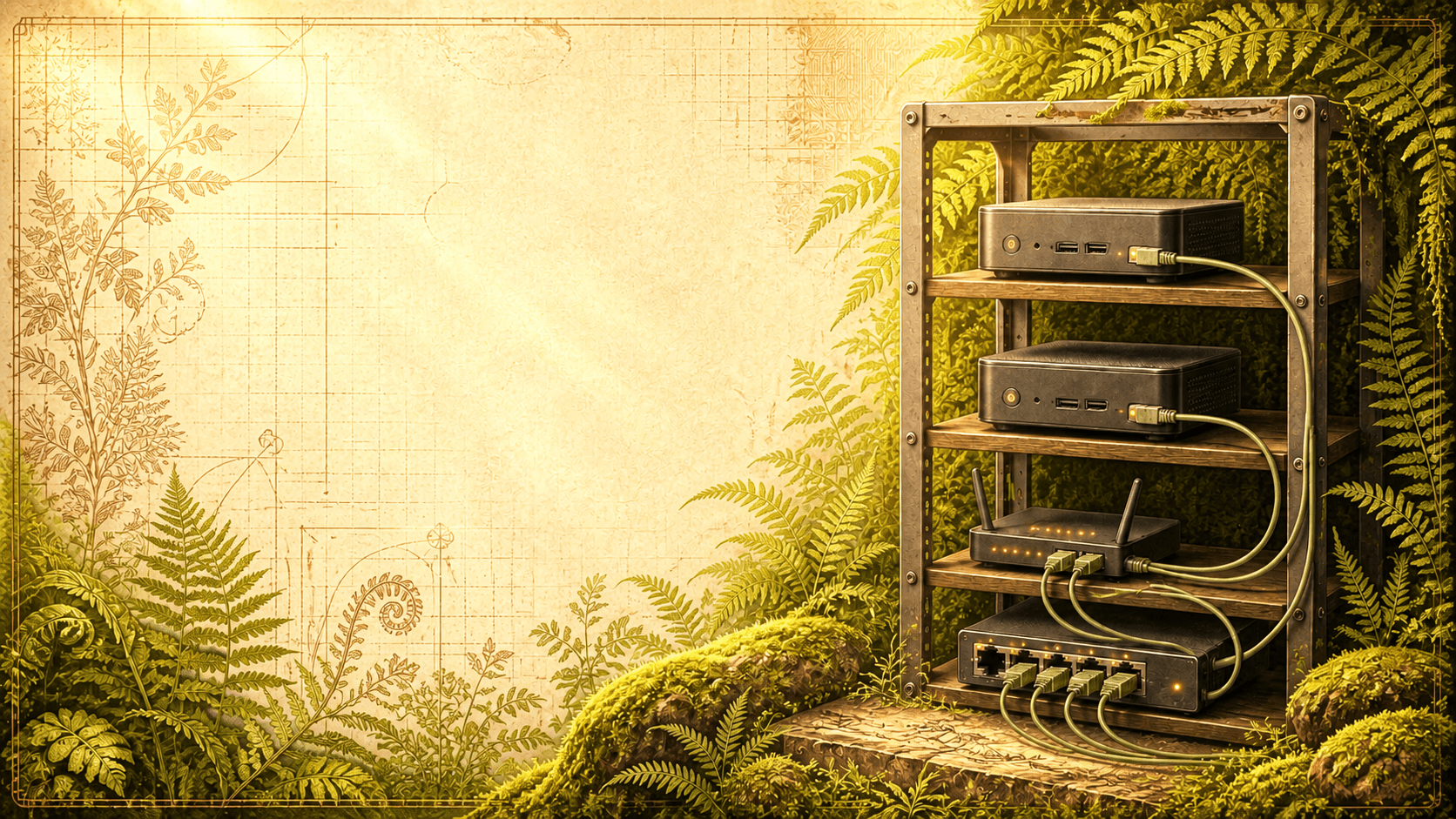
I don't think I will provide any new information on this topic; I just want to share how I started, along with my experience and progress with homelabbing.
What is a homelab?
In case you don't know, a homelab typically consists of multiple computers connected by a local network to run services locally instead of paying for them—for example, Google Photos. For me, it is also a way to learn about technology, Linux, Kubernetes, and more.
What computers do I have?
You don't need expensive hardware to start homelabbing. My setup consists of:
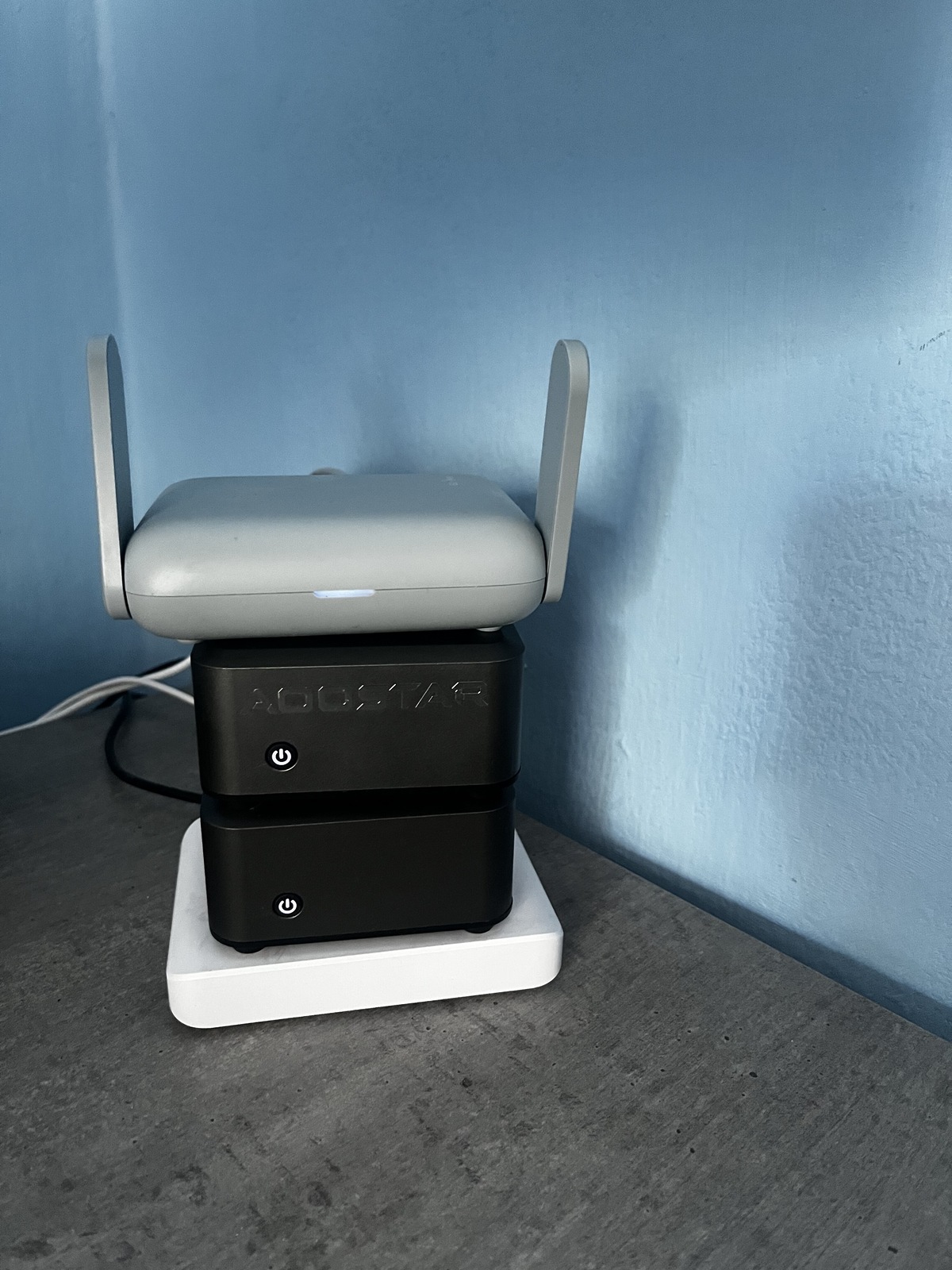
- 2x AOSTAR Mini PC, N1 PRO Twin Lake N150, 12GB LPDDR5 RAM, 512GB SSD, 2x 2.5G LAN
- Ubiquiti UniFi Switch Flex Mini 2.5G
- Wi-Fi travel router: GL.iNet GL-MT3000 Beryl AX
Pretty simple and small. I chose really tiny PCs for a couple of reasons:
- Small form factor
- Low noise
- Low power consumption
I just want to learn and be able to tear down any environment or operating system without worrying about my electricity bill. On paper, those PCs use between 15 W when idle and 30 W at maximum load. I don't always have time to learn, so they often just sit on the table; I don't want them to take up a lot of space.
Also, I travel a lot, so taking my homelab with me is pretty easy because the devices are small.
You could ask: for so little, couldn't I rent a cheap VPS? Yes, but I know myself: I would pay for it for a year and use it only in the first month—that has happened to me before. These mini PCs are also powerful enough for office and school work if my kids ever need to use them.
The trick is not to build a rack
I was thinking about which fancy small 10-inch rack I would purchase—like the DeskPi RackMate T0 Plus—or whether I would 3D-print one like the Lab Rax 10. But in the end, the trick was not to bother with it. The focus is simply on what makes sense at the current moment. I will put my setup in a rack eventually, but for now, this is my setup:
What I use my homelab for
Mostly learning.
Phase 1 - Proxmox
I installed Proxmox on both PCs, configured a cluster, and added a bunch of services:
- A Windows VM and a Minecraft server on one machine
- A Linux VM and Pi-hole on the second machine
Then I found out that I could run an ad blocker directly on my Wi-Fi travel router. I didn't have any more time to play with the devices, so I turned them off for almost half a year.
Phase 2 - AI Agents
- I thought Proxmox was a little overkill, so I replaced it with Ubuntu and installed Hermes Agent. How I configured Hermes is for another blog post.
- The second PC is idle.
Phase 3 - Future plans
- Add a Mac mini for local AI and to play with models—once I have time for it.
- Add NAS storage to back up photos.
Why I don't run really useful services
I am learning, and I don't want to lose anything that is precious to me. I could set up a simple NAS with one disk, play with Immich, and ditch Google Photos—but I need to have more trust in my skills first.
Right now, I am at a stage where, if I see a video about how to try Omarchy, I just want to remove the old OS and try the new one. Yes, yes, with Proxmox I could just spin up a new VM and have it running, but with those mini PCs, every MB of RAM is precious, and Proxmox comes with a little overhead. But maybe I will change it soon :-)
See you next Monday.